Ready for brew day
Order your malts in the exact quantities your recipe calls for. We combine them by recipe and mill them if you want, so everything arrives ready to brew.
Enter your recipe once. We pack it exactly how you need it for brew day.
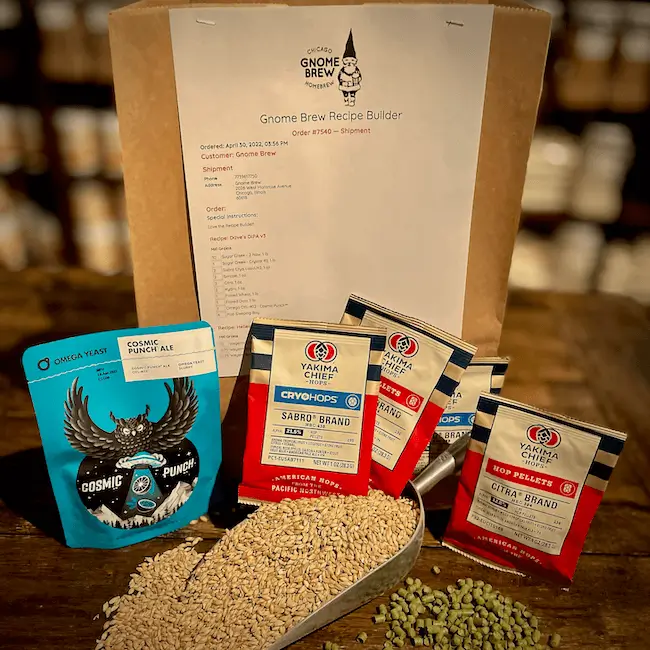
Already have a recipe? The Recipe Builder turns it into a complete, organized ingredient kit—no guesswork, no repacking.
Use Recipe Builder for full recipes. Use regular shopping for individual ingredients.
Order your malts in the exact quantities your recipe calls for. We combine them by recipe and mill them if you want, so everything arrives ready to brew.
Browse by category, search instantly, or use Quick Add when you know what you need—all in one place.
Build one recipe or several at once. Each one is labeled and packed separately, so every batch stays organized from order to brew day.
Keeps everything grouped together so your grains aren’t split across multiple bags—everything stays organized for brew day.
Turn a written recipe into a complete, organized ingredient order in just a few steps.
Step 1
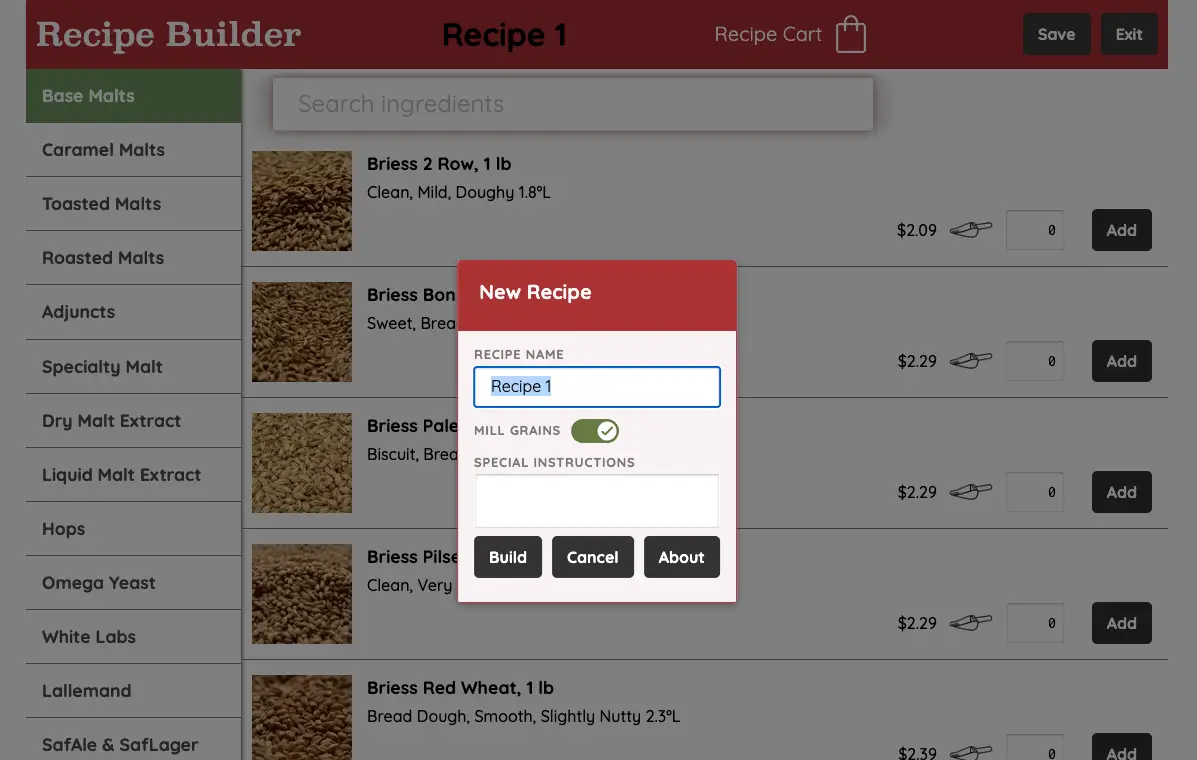
Give your recipe a name, choose whether you want your grains milled, and add any special instructions.
Step 2
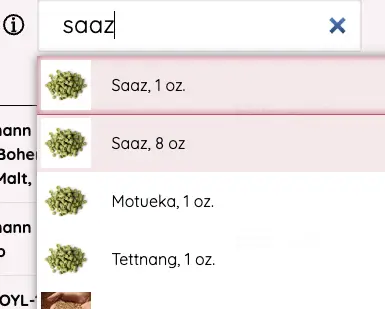
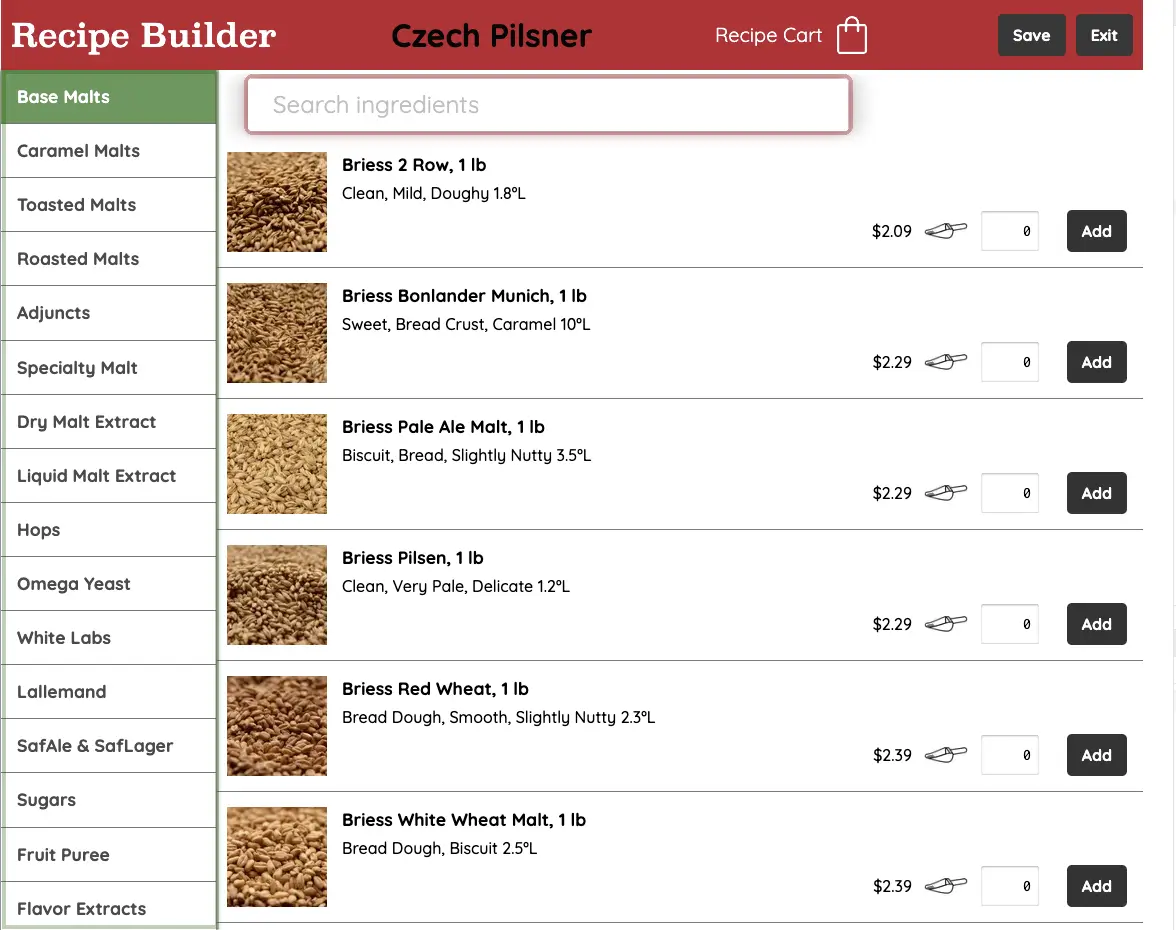
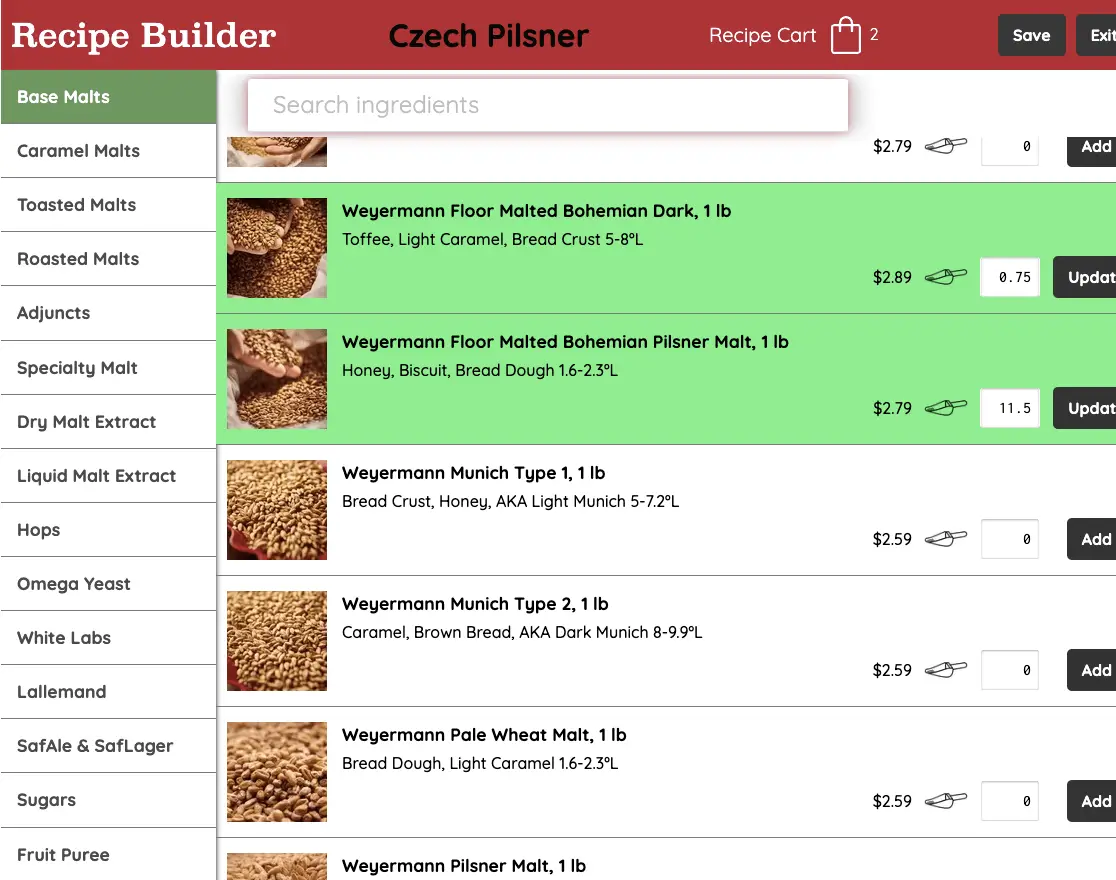
Start with base malts or choose any category from the left. Type to quickly narrow results when you know what you need.
Step 3
Add items directly to your recipe and enter the exact amounts you need. Ingredients stay editable while you work.
Step 4
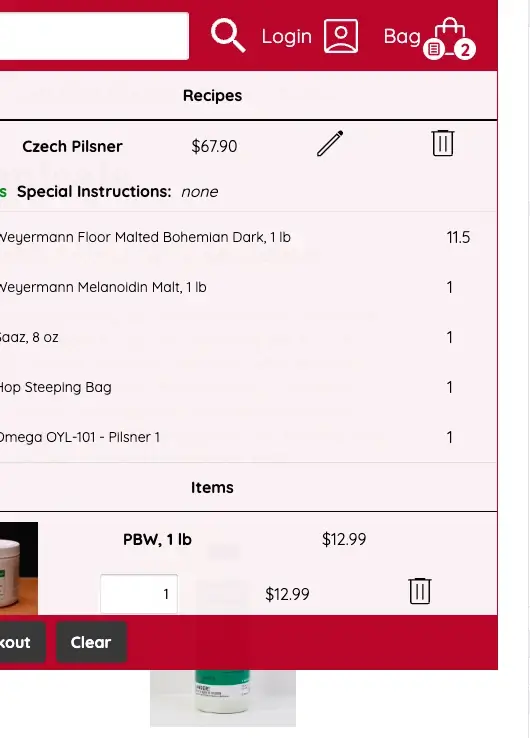
Open your Recipe Cart to review everything together, then save it so it appears in your cart under Recipes.
Order bulk ingredients in increments as small as 0.01 lb, so you get exactly what your recipe calls for.
Quick tip:To order by the ounce, type the number of ounces and press the 'o' key. For example, 3 + 'o' for 3 ounces. On a mobile number pad, you can also type 3.. for 3 ounces.
Already know your ingredients? Use Quick Add to skip browsing and add items from your Recipe Cart.